Extension in Action
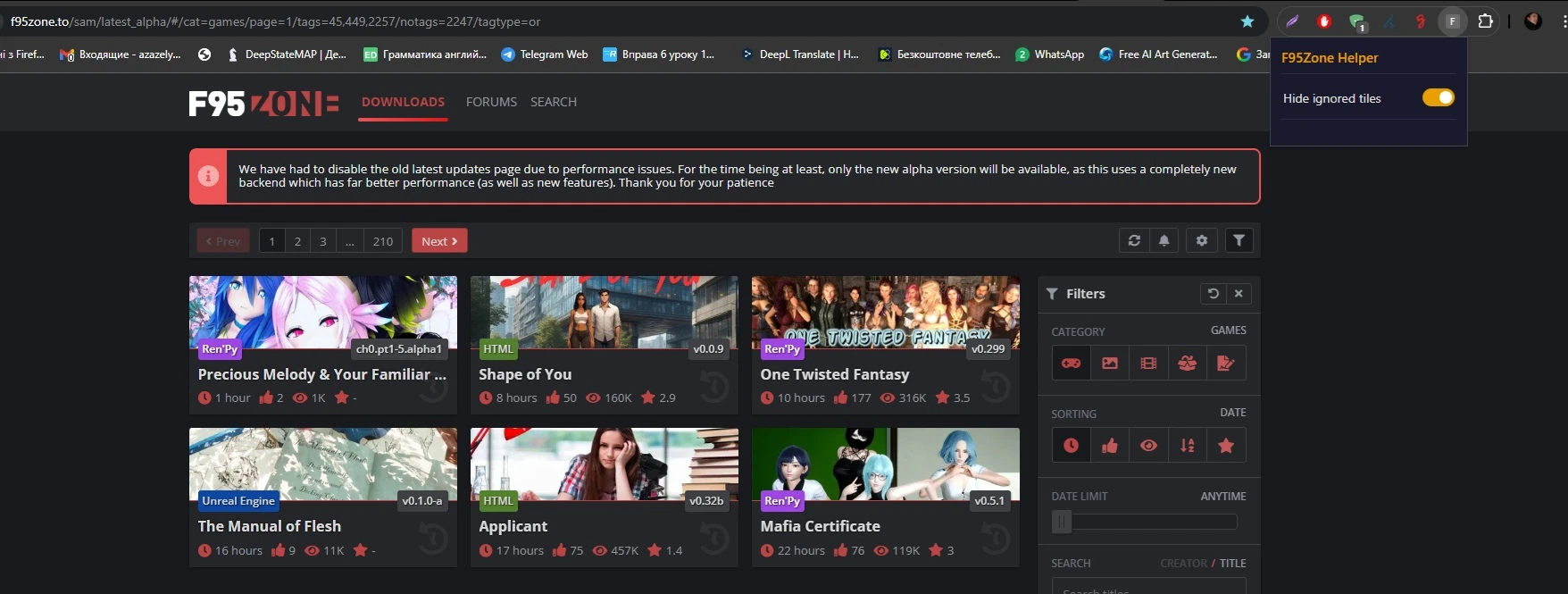
The Hide ignored tiles toggle is on — ignored entries are removed from the list, leaving only content you actually care about.
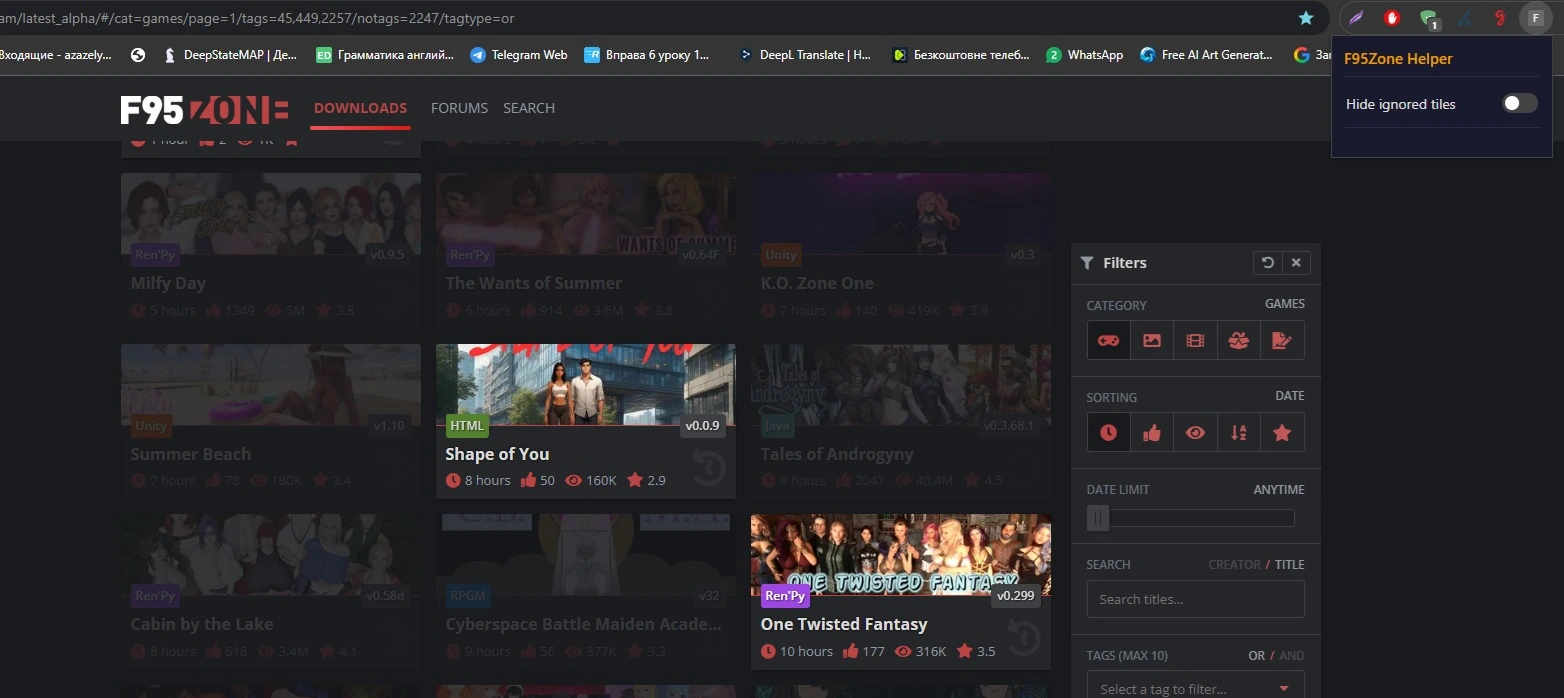
Toggle the switch off at any time to bring all ignored tiles back instantly — no page reload required.
Install for free
No Chrome Web Store required. Load the extension in a few clicks using Developer mode — works on any Chromium-based browser (Chrome, Edge, Brave, etc.).
chrome://extensions/ and enable Developer mode (toggle in the top-right corner)chrome-extension folderAbout the Extension
F95Zone — Remove Ignored is a lightweight Chrome extension that automatically hides div.resource-tile_ignored elements on f95zone.to. If you have a long ignored list, this extension cleans up the page so you can focus on content you actually care about.
The extension works silently in the background — no pop-ups, no sign-in, no tracking. Just load the page and ignored tiles disappear instantly.
Features
Uninstall
Go to chrome://extensions/, find F95Zone — Remove Ignored, and click Remove. No residual data is left behind.